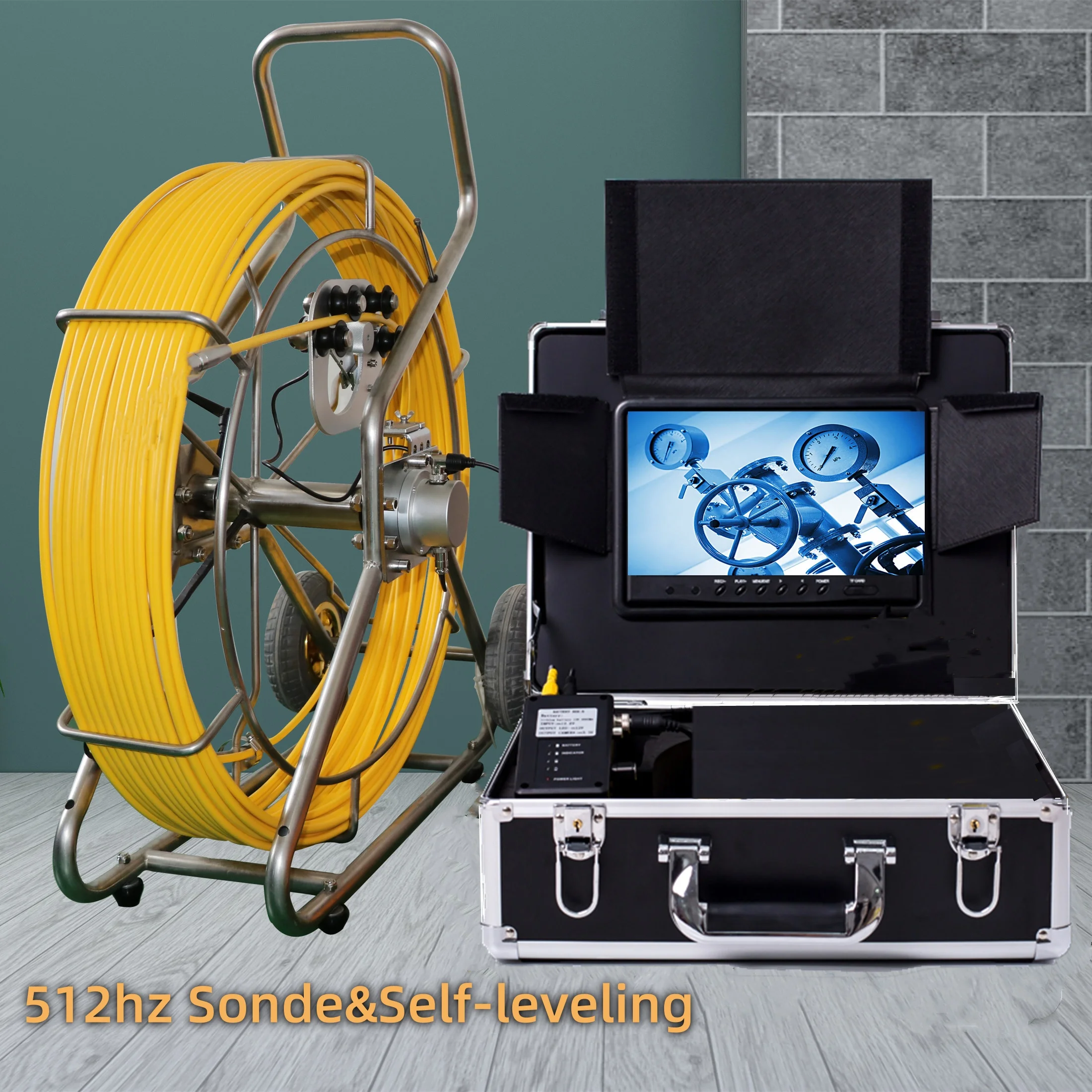

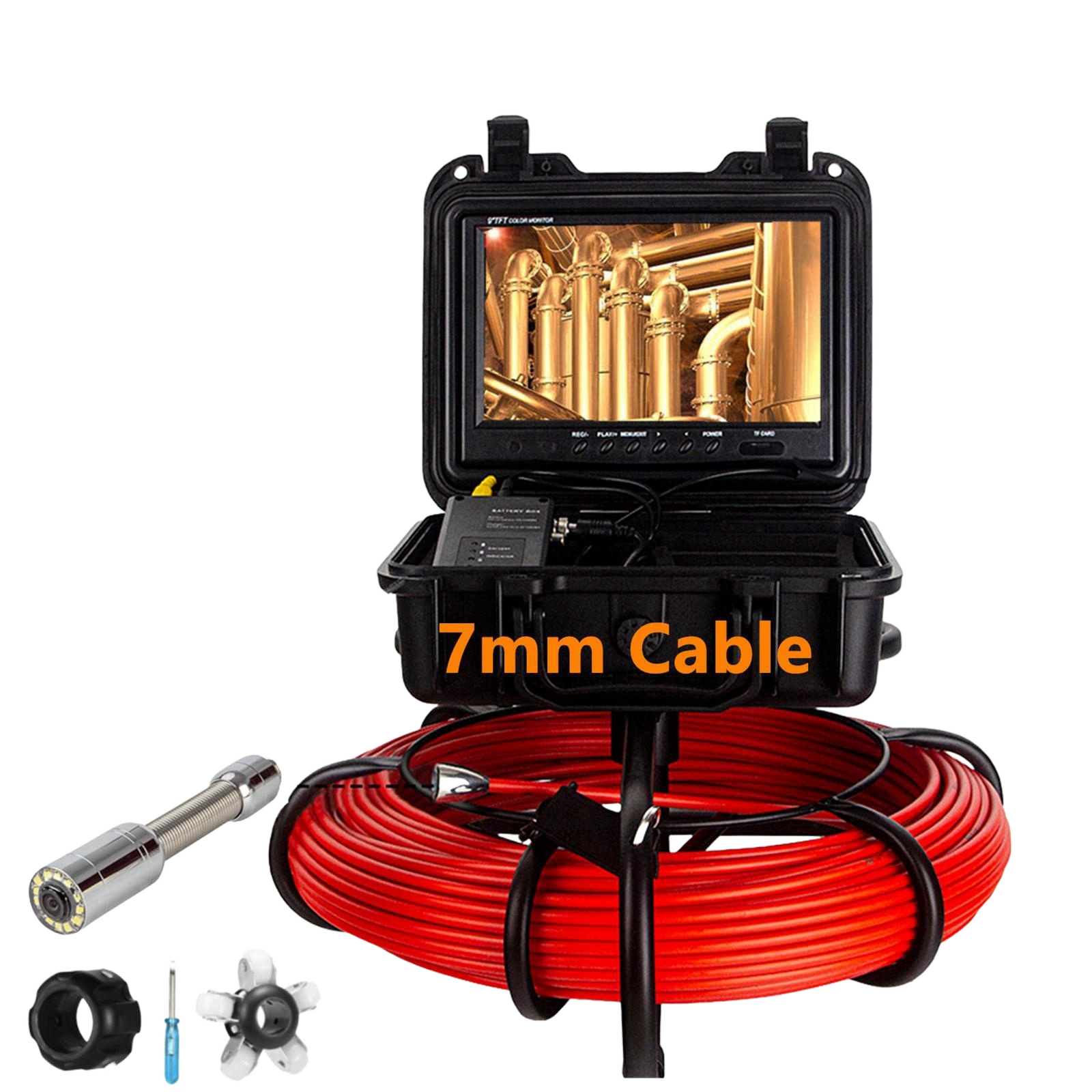
Proper maintenance of your sewer inspection camera is crucial for ensuring reliable performance and extending the lifespan of this valuable diagnostic equipment. Professional plumbers, municipal workers, and drain cleaning specialists rely on these sophisticated devices to identify blockages, leaks, and structural issues within underground pipe systems. Without regular upkeep, even the most advanced sewer inspection camera can suffer from reduced image quality, mechanical failures, or complete system breakdown that disrupts workflow and increases operational costs.

The complexity of modern sewer inspection camera systems requires a systematic approach to maintenance that addresses both hardware and software components. From cable management and lens cleaning to battery care and software updates, each aspect plays a vital role in maintaining optimal functionality. Understanding these maintenance requirements enables operators to prevent costly repairs while maximizing the return on their equipment investment.
Daily Cleaning and Care Procedures
Camera Head and Lens Maintenance
The camera head represents the most critical component of any sewer inspection camera system, requiring meticulous attention after each use. Begin by carefully removing any debris, grease, or sediment that may have accumulated on the lens surface during inspection operations. Use a soft microfiber cloth dampened with distilled water to gently wipe the lens, avoiding circular motions that could create scratches on the protective glass coating.
For stubborn residue or chemical buildup, apply a specialized lens cleaning solution designed for optical equipment rather than household cleaners that may contain harsh chemicals. The protective housing around the camera head should also be inspected for cracks, chips, or signs of wear that could compromise the waterproof seal essential for safe operation in wet environments.
After cleaning, allow the camera head to air dry completely before storage to prevent moisture accumulation that could lead to internal fogging or corrosion. Professional technicians recommend storing the sewer inspection camera head in a protective case with desiccant packets to absorb any residual humidity and maintain optimal conditions for long-term storage.
Cable System Care and Inspection
The push cable represents one of the most vulnerable components of a sewer inspection camera system, subject to constant stress, bending, and exposure to harsh chemical environments. Daily inspection should focus on identifying any kinks, cuts, or abrasions in the outer jacket that could allow moisture penetration or signal interference during operation.
Clean the entire cable length using a damp cloth to remove accumulated debris, paying special attention to areas where the cable contacts pipe walls or passes through access points. Inspect all connectors and coupling points for corrosion, loose connections, or damage that could affect signal transmission between the camera head and display unit.
Proper cable storage is essential for maintaining flexibility and preventing premature wear. Wind the cable loosely onto the reel mechanism, avoiding tight coils that create stress points, and ensure the storage reel operates smoothly without binding or resistance that could damage internal conductors over time.
Weekly Maintenance and System Checks
Battery and Power System Maintenance
Battery performance directly impacts the reliability and operational duration of your sewer inspection camera system during field operations. Weekly battery maintenance should include a complete discharge and recharge cycle to prevent memory effects in older battery technologies and maintain optimal capacity in modern lithium-ion systems.
Inspect battery terminals for corrosion, clean contacts with a dry brush or contact cleaner, and verify that charging indicators function properly during the charging process. Document battery runtime during typical inspection operations to identify gradual capacity loss that may indicate the need for replacement before complete failure occurs in the field.
For sewer inspection camera systems with removable batteries, rotate battery packs regularly to ensure even wear patterns and maintain backup power sources for extended inspection projects that exceed single battery capacity.
Display and Control System Evaluation
The display screen and control interface require weekly attention to maintain clear visibility and responsive operation during sewer inspection tasks. Clean the screen surface using appropriate electronic cleaning products, avoiding abrasive materials that could scratch anti-glare coatings or damage touch-sensitive surfaces.
Test all control functions including navigation buttons, recording controls, and menu systems to identify any responsiveness issues or software glitches that could interfere with inspection workflow. Verify that display brightness and contrast settings provide optimal visibility under various lighting conditions encountered during field operations.
Check all ports and connections for dirt accumulation or corrosion, particularly USB ports, memory card slots, and external monitor connections that may be exposed to moisture or debris during transport and storage. Clean connections with compressed air and contact cleaner as needed to maintain reliable data transfer and external device compatibility.
Monthly Comprehensive System Maintenance
Mechanical Component Inspection and Lubrication
Monthly maintenance routines for sewer inspection camera systems must address all mechanical components that support reliable operation in demanding field conditions. Begin with a thorough inspection of the cable reel mechanism, checking for smooth rotation, proper cable guidance, and adequate lubrication of bearing surfaces and pivot points.
Apply appropriate lubricants to mechanical components according to manufacturer specifications, avoiding over-lubrication that could attract dirt or interfere with precision operations. Inspect adjustable components such as cable tensioners, locking mechanisms, and transport wheels for proper alignment and secure operation.
The sewer inspection camera housing and transport case should be examined for structural integrity, paying attention to latches, hinges, and protective padding that safeguards sensitive electronic components during transportation between job sites. Replace worn gaskets or seals that protect against moisture ingress and maintain environmental protection ratings.
Software Updates and Data Management
Modern sewer inspection camera systems incorporate sophisticated software that requires regular updates to maintain compatibility with current operating systems and enhance functionality with new features. Monthly software maintenance should include checking for firmware updates, driver updates, and application software revisions from the manufacturer.
Review stored inspection data and organize files according to project requirements, client specifications, or regulatory compliance standards. Archive completed projects to external storage devices to free up internal memory for new inspections while maintaining backup copies for future reference or warranty claims.
Perform system backups of configuration settings, calibration data, and user preferences to enable quick recovery in the event of system failures or when transferring operations to replacement equipment. Document software versions and update histories to facilitate technical support interactions and warranty service requests.
Seasonal Maintenance and Storage Considerations
Cold Weather Protection and Preparation
Seasonal changes present unique challenges for sewer inspection camera maintenance, particularly in regions experiencing extreme temperatures that can affect battery performance, LCD display function, and mechanical component operation. Cold weather preparation should begin before temperatures drop below manufacturer-specified operating ranges.
Battery capacity typically decreases in cold conditions, requiring extended charging times and potentially shorter operational periods during winter inspections. Store batteries in climate-controlled environments when possible, and allow equipment to acclimate to operating temperatures before beginning inspection work to prevent condensation formation inside sealed components.
Lubricate mechanical components with cold-weather appropriate lubricants that maintain viscosity and protection at low temperatures. Inspect cable jackets for cold-weather cracking or brittleness that could lead to failures during handling and deployment in frozen ground conditions.
Long-term Storage and Preservation
Extended storage periods require comprehensive preparation to preserve sewer inspection camera systems and prevent deterioration during inactive periods. Begin by performing a complete cleaning and maintenance cycle, addressing all components according to established procedures and manufacturer recommendations.
Remove batteries from the system to prevent leakage or corrosion damage during storage, and store battery packs separately in appropriate conditions that maintain optimal capacity and lifespan. Clean and lubricate all mechanical components, and cycle moving parts periodically to prevent seizing or corrosion in bearing surfaces.
Store the complete sewer inspection camera system in a climate-controlled environment with stable temperature and humidity levels to prevent condensation, corrosion, and material degradation. Use protective covers or cases that provide additional environmental protection while allowing for periodic inspection and maintenance access.
Troubleshooting Common Maintenance Issues
Image Quality Problems and Solutions
Image quality degradation represents one of the most common issues affecting sewer inspection camera performance, often resulting from inadequate cleaning, damaged optics, or environmental contamination. Systematic troubleshooting should begin with thorough lens cleaning using appropriate techniques and materials designed for optical equipment.
Examine the camera head for physical damage such as scratched lenses, cracked housings, or damaged LED lighting arrays that provide illumination for inspection operations. Poor image quality may also result from moisture infiltration through compromised seals, requiring professional service to restore waterproof integrity and prevent further damage.
Adjust camera settings including brightness, contrast, and color balance to compensate for changing environmental conditions or lighting scenarios encountered during sewer inspection operations. Document optimal settings for different pipe materials and inspection conditions to streamline future operations and maintain consistent image quality standards.
Cable and Connection Problems
Cable-related issues can severely impact sewer inspection camera functionality, ranging from signal interference and image dropouts to complete loss of communication between the camera head and display unit. Begin troubleshooting by inspecting all connections for corrosion, moisture, or mechanical damage that could disrupt signal transmission.
Test cable continuity using appropriate diagnostic equipment to identify breaks or shorts in internal conductors that may not be visible from external inspection. Pay particular attention to stress points where the cable bends repeatedly during operation or storage, as these areas are most susceptible to conductor fatigue and failure.
Intermittent connection problems often indicate loose connectors or worn contact surfaces that require cleaning, adjustment, or replacement to restore reliable operation. Maintain spare cables and connectors to minimize downtime when field repairs are not feasible and professional service is required.
FAQ
How often should I clean my sewer inspection camera lens
The camera lens should be cleaned after every use to maintain optimal image quality and prevent buildup of debris or chemical residues that could permanently damage the optical surface. For heavy-use applications or particularly contaminated environments, intermediate cleaning during extended inspection sessions may be necessary to maintain clear visibility throughout the operation.
What type of lubricant should I use for mechanical components
Use only manufacturer-recommended lubricants specifically designed for the operating conditions and materials in your sewer inspection camera system. Marine-grade or waterproof lubricants are typically appropriate for components exposed to moisture, while precision instrument lubricants work best for internal mechanisms requiring smooth operation without attracting debris.
How long do sewer inspection camera batteries typically last
Battery lifespan varies significantly based on usage patterns, charging practices, and environmental conditions, but most professional-grade batteries provide 2-4 years of reliable service with proper maintenance. Monitor battery runtime and charging characteristics to identify gradual capacity loss that indicates replacement needs before complete failure occurs during critical inspections.
When should I seek professional service for my equipment
Professional service is recommended when troubleshooting efforts fail to resolve performance issues, when warranty coverage is still valid, or when specialized equipment is required for repairs that exceed operator capabilities. Additionally, annual professional inspections can identify potential problems before they cause equipment failures and extend the overall service life of your sewer inspection camera system.